Free, unlimited
background remover.
Remove image backgrounds for free, forever. Compare two clean cutouts, download a high-resolution transparent PNG, then crop, add a solid background, or use chroma key — with no watermark, paywall, or signup.
or drop a file,
Stunning AI Precision
See how CutOut cleanly extracts fine edges, hair, and complex contours in seconds.
One upload. Two clean options.
Choose the result you prefer, then download it as a PNG.
 01
01Upload an image
Drop in a JPEG, PNG, or WebP.
 02
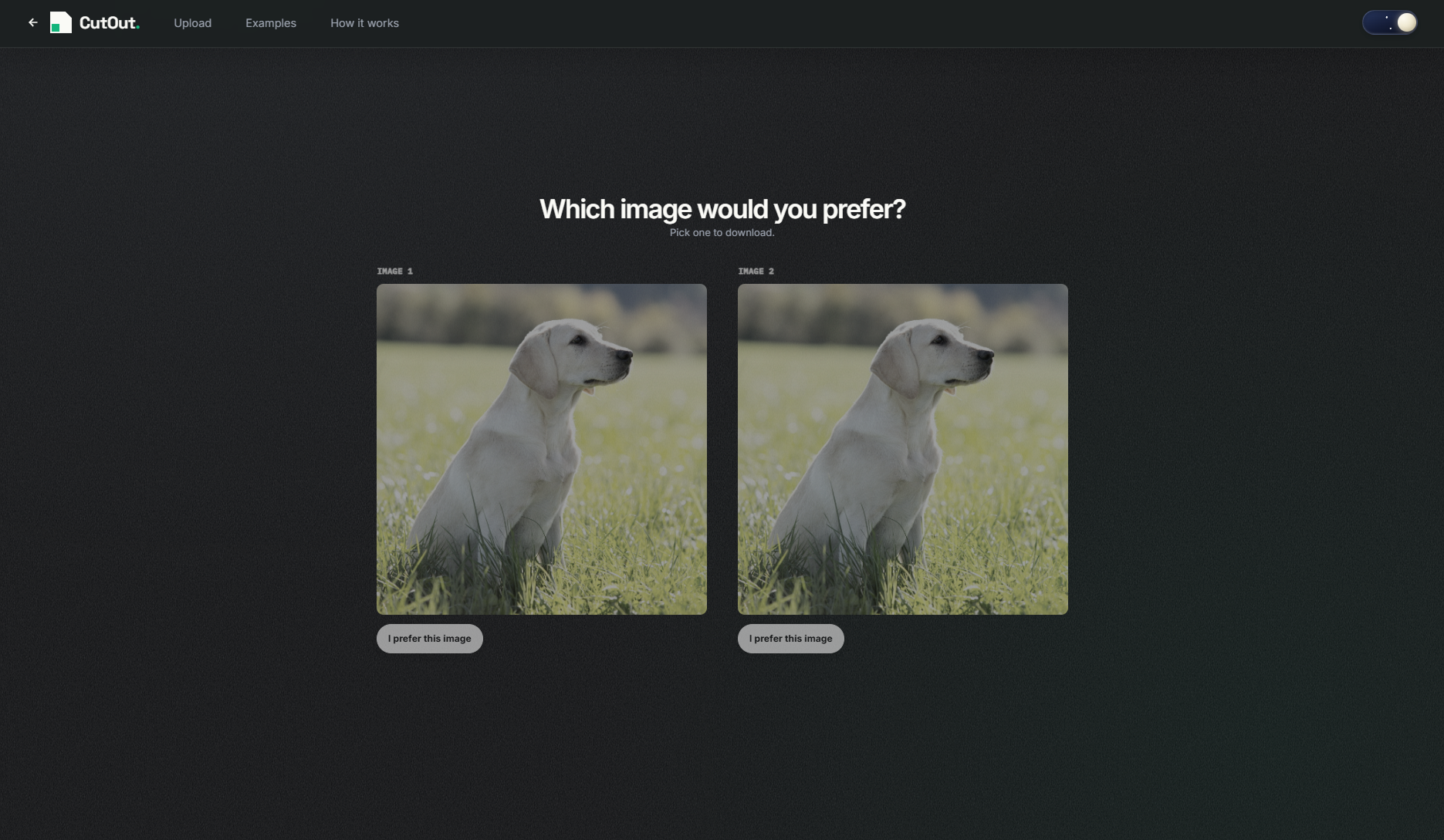
02Compare two cutouts
Choose the result that looks best.
 03
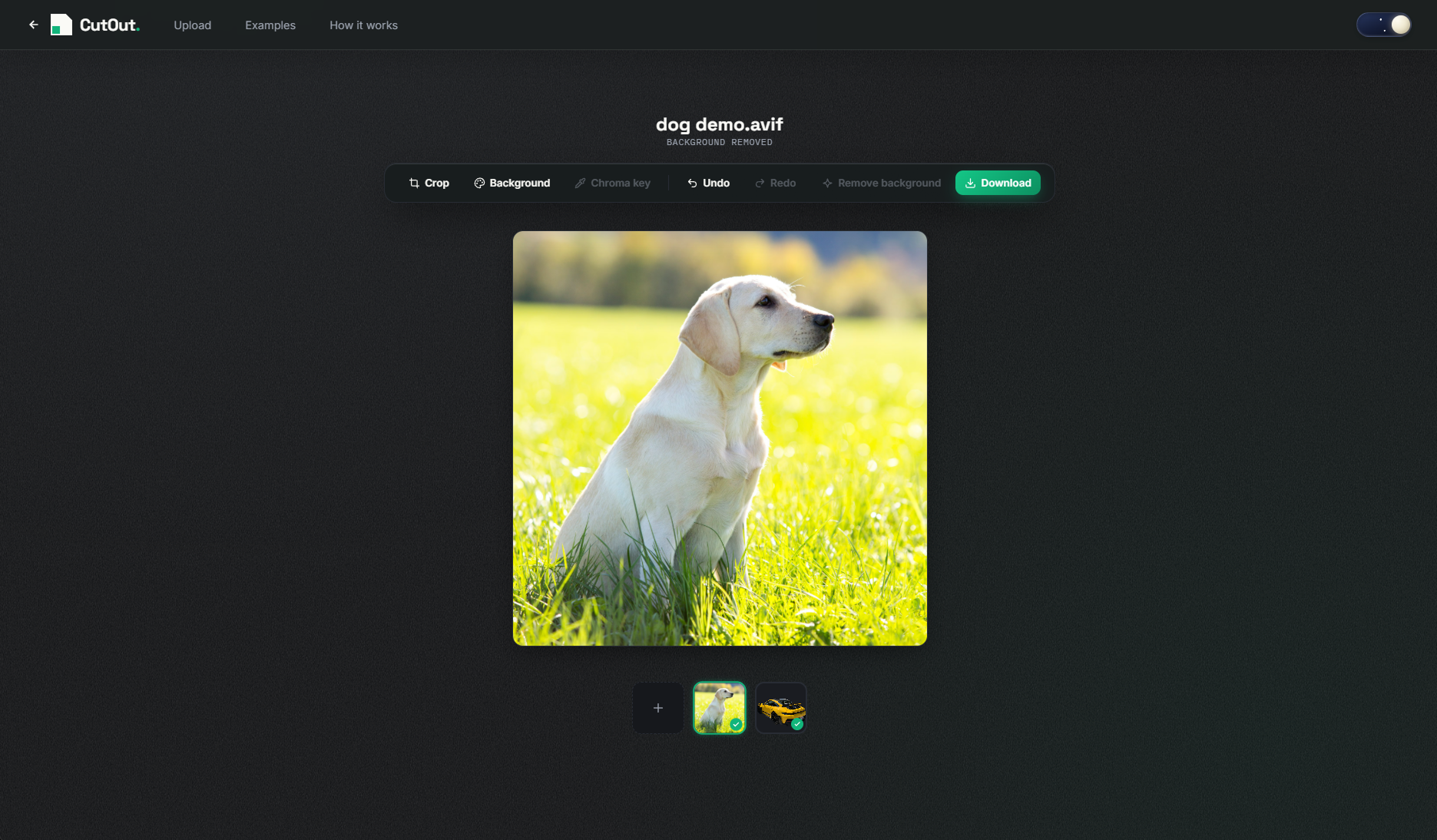
03Pick and download
Optionally crop, add a background, or try chroma key.


FAQ
A few useful answers.
Is CutOut free to use?
Yes. CutOut is free forever, with unlimited use, no watermark, no paywall, and no signup.
Which image formats can I upload?
CutOut accepts JPEG, PNG, and WebP images up to 26 MB.
Can I download a high-resolution image?
Yes. CutOut keeps the accepted image dimensions in the PNG result, up to 6 megapixels and 4096 pixels on either side.
Are my images saved?
Images are processed temporarily to create your result. CutOut does not create a public gallery or retain uploaded images after processing.
Why do I see two results?
Some images benefit from different cutout approaches. We show two options so you can choose the one that looks best.
Can I edit my cutout before downloading?
Yes. After choosing a result, you can crop it, add a solid background color, or use chroma key for a photo with a clean single-color backdrop.
What are the basic terms?
Only upload images you have the right to process. Results can vary, and availability may be limited to keep the service reliable.